📱
Tailored for Tablets
Optimized for 4:3, 3:2, and 16:10 displays so your sheet music stays large, readable, and performance-ready.
Features
ScoreVibe is more than a PDF viewer. It is a tablet-first performance, rehearsal, editing, organization, and backup workspace.
Optimized for 4:3, 3:2, and 16:10 displays so your sheet music stays large, readable, and performance-ready.
Mark important pages, sections, solos, repeats, and rehearsal spots so you can jump instantly while practicing or performing.
Draw, highlight, erase, mark cues, and add performance notes with a responsive annotation workflow.
Open one elegant panel for annotate, crop, rearrange, share, scan, ABC notation, piano, recorder, backup, and settings.
Reorder score pages before rehearsal or performance so each piece follows the exact sequence you need.
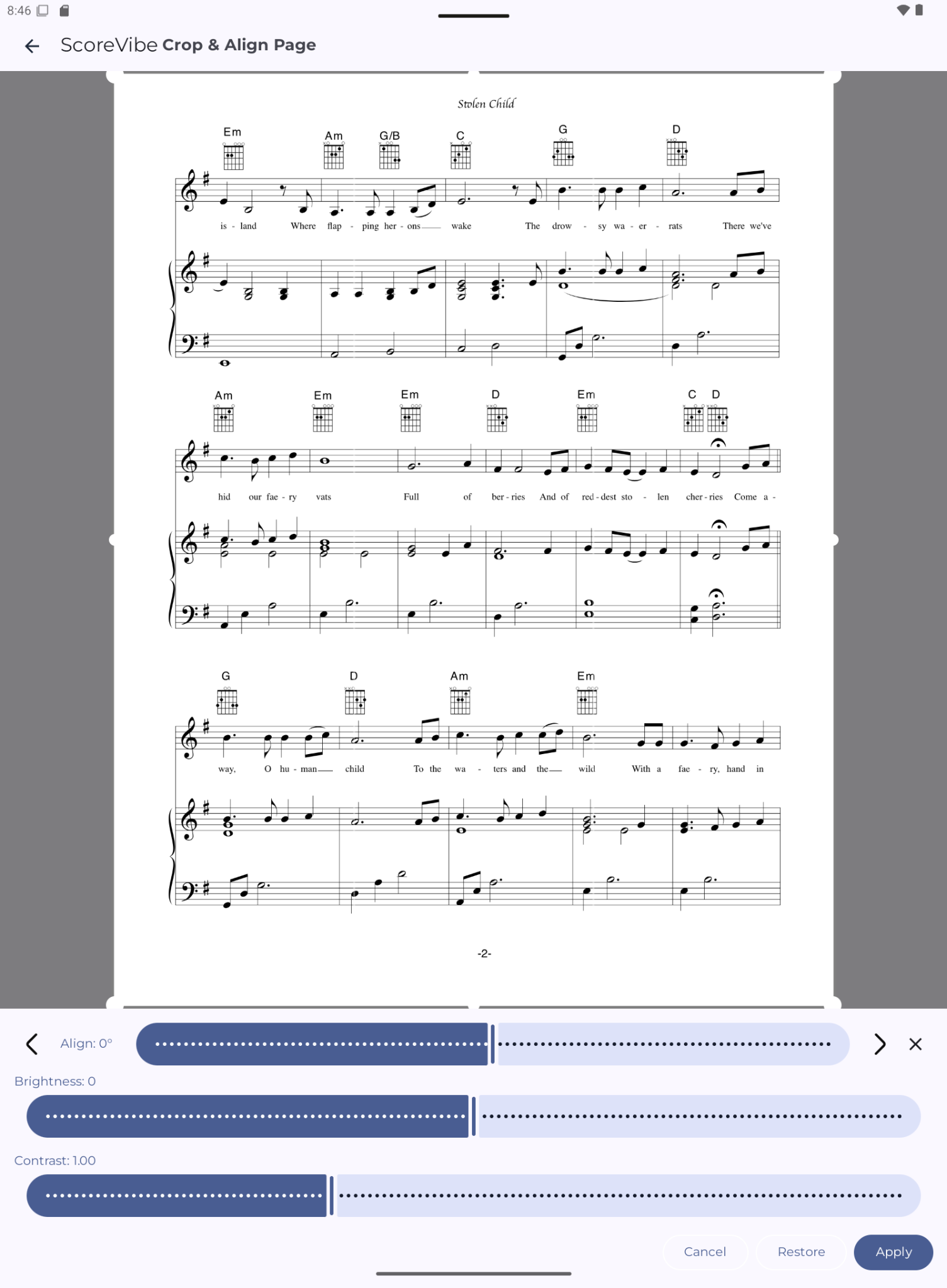
Clean scanned scores, remove margins, align pages, and adjust brightness or contrast for crisp reading.
Add composer, title, instrument, tags, labels, genre, and notes so your library stays searchable as it grows.
Attach backing tracks, references, or rehearsal recordings to sheets and play them while practicing.
Record rehearsals, ideas, vocal takes, and practice sessions directly inside your music workflow.
Keep time and tune quickly without leaving your score reader.
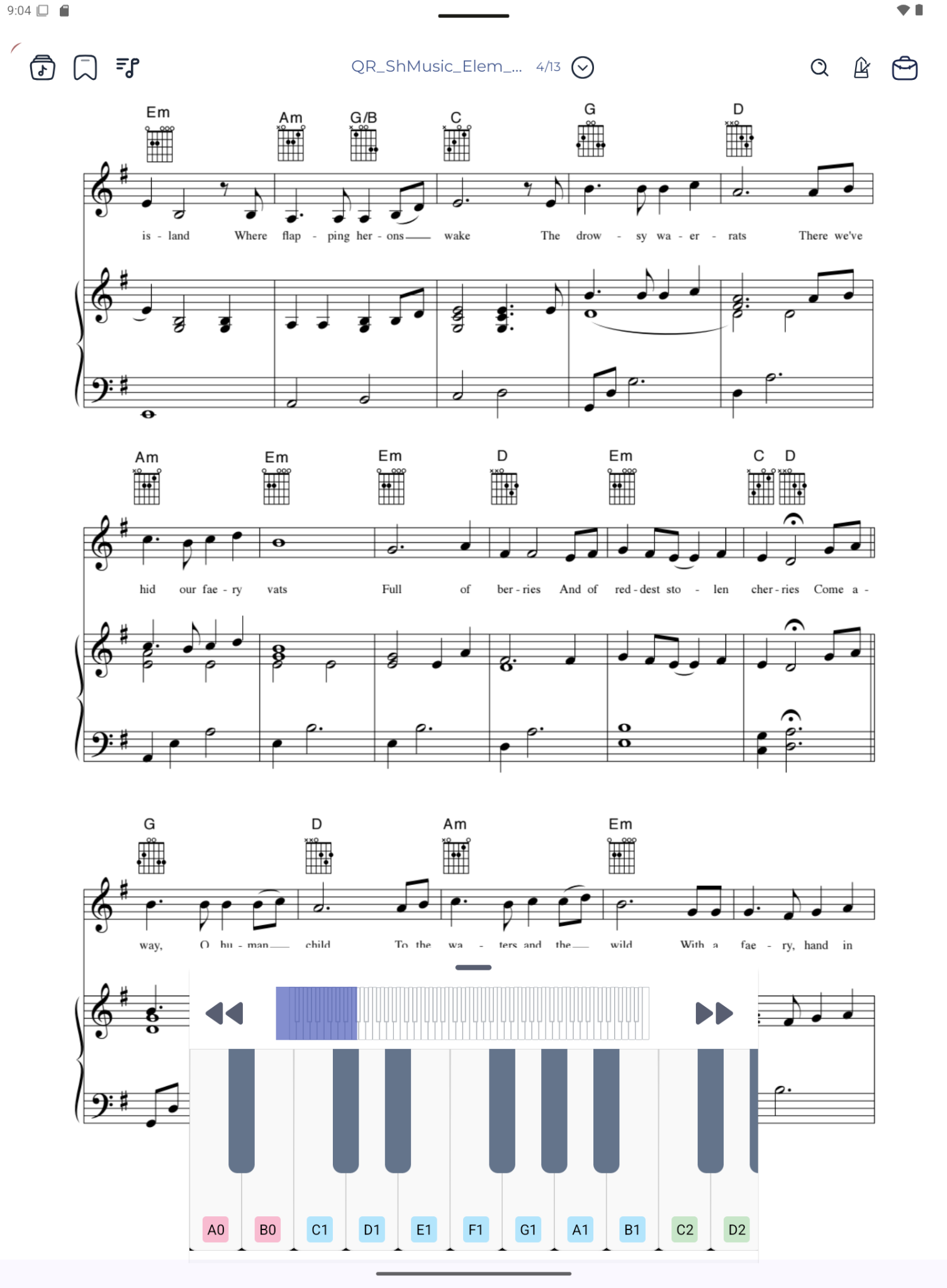
Check notes, harmonies, melodies, and pitch references with an integrated piano keyboard.
Export your full library to a single backup file and restore it whenever you need.
Write, edit, preview, and render ABC notation into clean, print-ready music scores.
Import PDFs and images, read, annotate, edit, and export polished score documents and imported images.
Build rehearsal and concert setlists so switching between pieces takes only one tap.
Smart sheet editing
Crop, auto-crop, align, brighten, adjust contrast, and rearrange pages so scanned scores become clean, readable performance materials.
Rehearsal tools
Use virtual piano, recorder, tuner, metronome, and attached audio files from inside your music workspace so rehearsals stay focused.